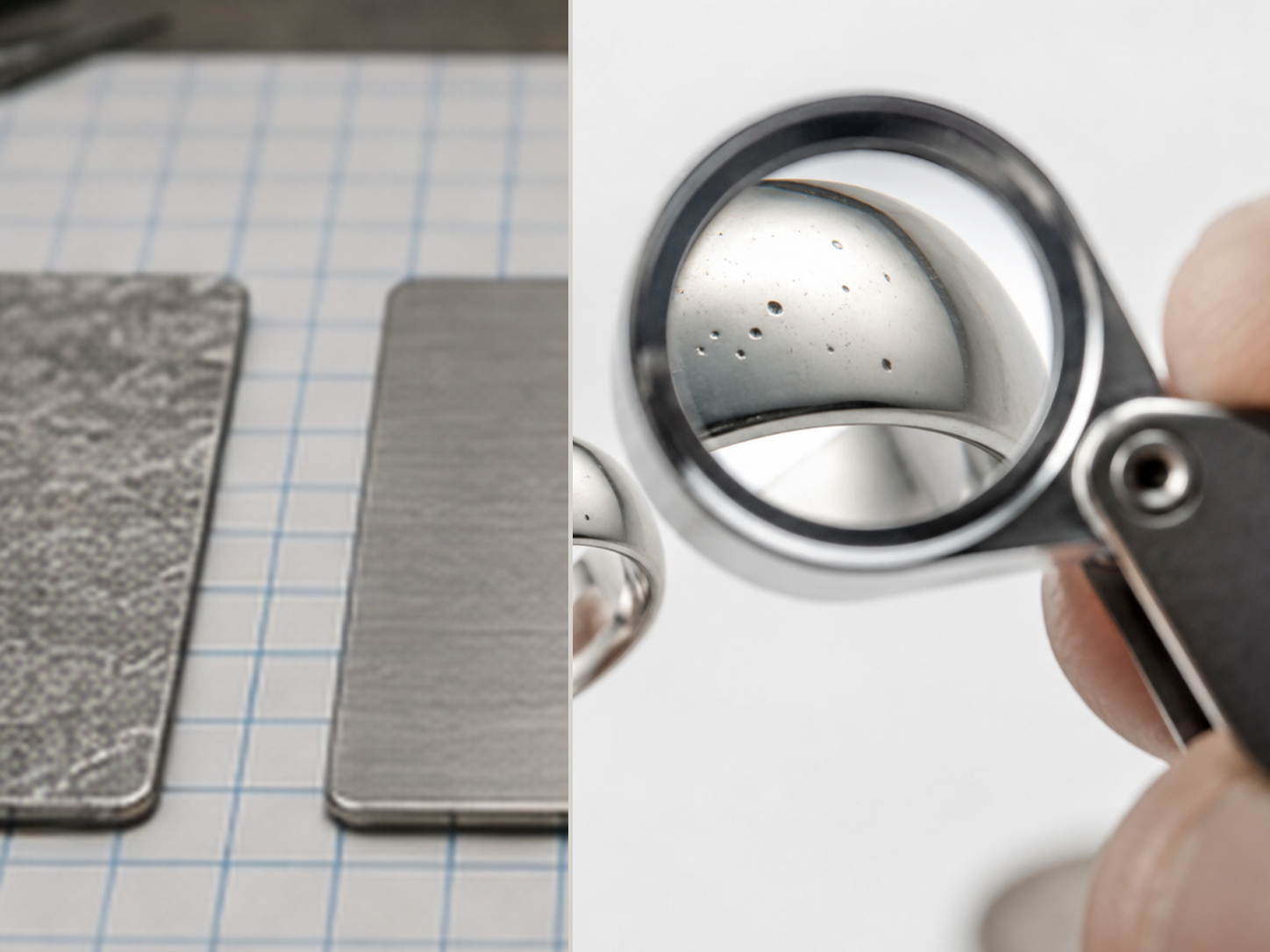
Symptoms Surface condition is hard to read after grinding.Scratches create visual noise and may hide pores, cavities or local depressions.
Likely causes Abrasive scratches mask the real surface condition.Grain size, pressure, tool condition and working direction created a noisy scratch pattern.
Checks Inspect under magnification.Use a short diagnostic polish with LUXI Super Fine White to suppress abrasive noise.
Recommended fixes Run the intermediate inspection workflow before selecting the main polishing route.Do not treat diagnostic polish as final polishing.
Prevention Keep abrasive preparation controlled and inspect before moving into the LUXI polishing route.
Recommended workflows Intermediate inspection after grindingLUXI polishing test for hidden defect evaluationFinal lustre for goldFinal lustre for silverGold, silver, bronze and brass — basic LUXI polishing workflow
Understand the cause Why LUXI Works DifferentlyFrom abrasive preparation to the LUXI polishing processSymposium article: Beilby layer and LUXI technology


 Integrated Polishing System